Resize Images Online for Free

The right size. The same great image. Resize JPG, PNG and WebP by pixels or percentage, right in your browser.

Preview

Your images stay private
Choose images to resize
Drop your images here, or select files from your device. You can also paste a copied image.

JPG, PNG or WebP · Up to 30 images
20 MiB per file · 100 MiB per batch · 24 MP per image

Processed on your device. Your original files stay unchanged.

Resize settings

Image dimensions and export options
px
px

Changing one dimension updates the other.

Selected image—

Your originals stay unchanged.

How to resize an image

Three simple steps. Nothing to install.

  1. 1. Choose your images

    Drop your photos, select files or paste an image. Start with JPG, PNG or WebP.

  2. 2. Set the right dimensions

    Enter a width or height in pixels, or choose a percentage. Keep proportions with one click.

  3. 3. Resize and download

    Save a single image or download a batch as a ZIP. Your original files stay unchanged.

A new size. The same proportions.

Three real examples show how to resize images by pixels, by percentage or in a batch. Each sample starts at 1536 × 1024 pixels. Keep aspect ratio preserves the full image without cropping or stretching.

Resize a photo to an exact width

Give a landscape photo the right dimensions for a blog post or website. Set the width to 1200 pixels and leave Keep aspect ratio on: the height updates to 800 pixels, so the coastline stays in frame without stretching.

Pixels · Width 1200 px · Keep aspect ratio on
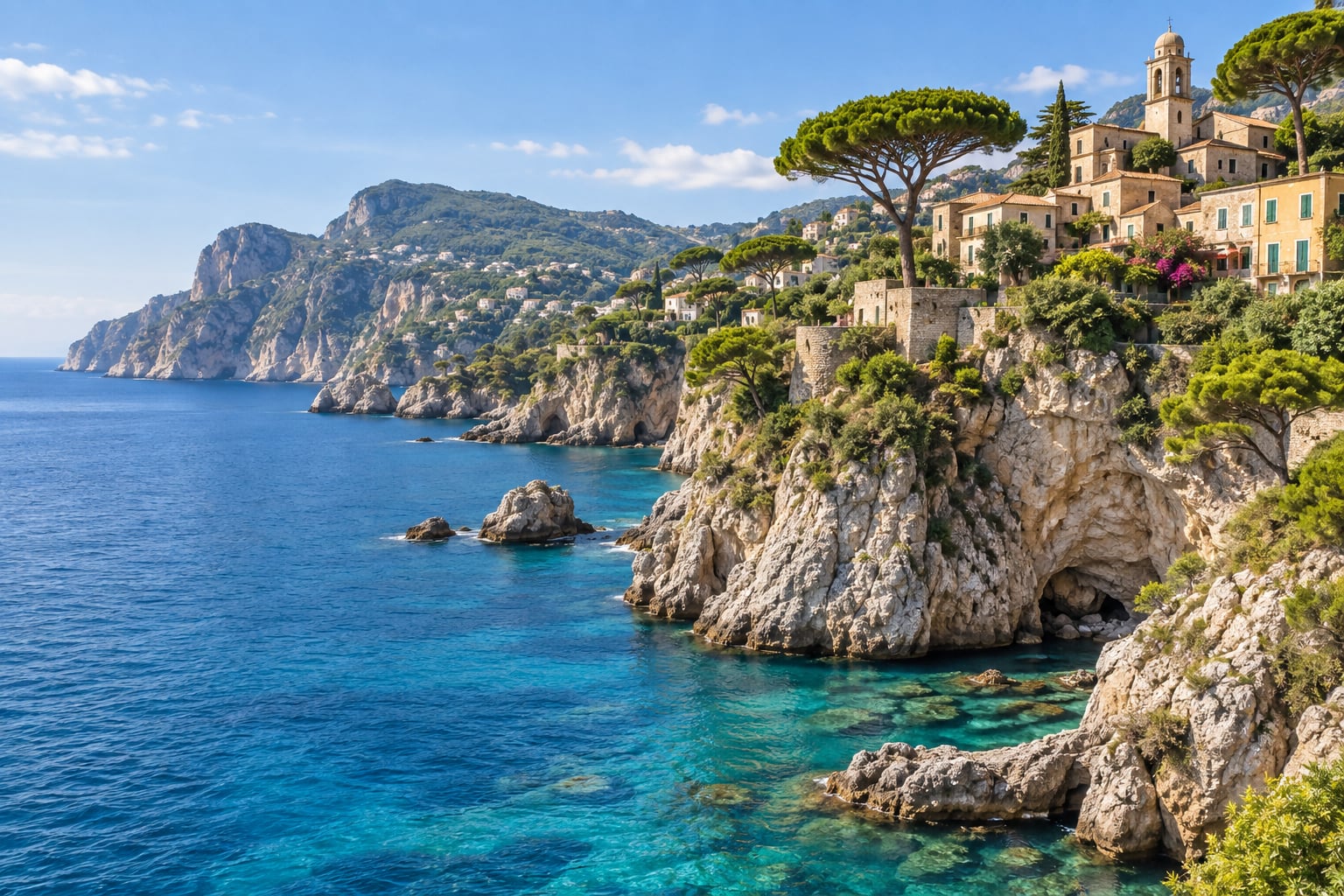
Mediterranean coastline with turquoise water and a hillside village, original image
Original 1536 × 1024 px
Mediterranean coastline with turquoise water and a hillside village, shown at 1200 by 800 pixels with no cropping
Resized by width 1200 × 800 px

Make an image smaller by percentage

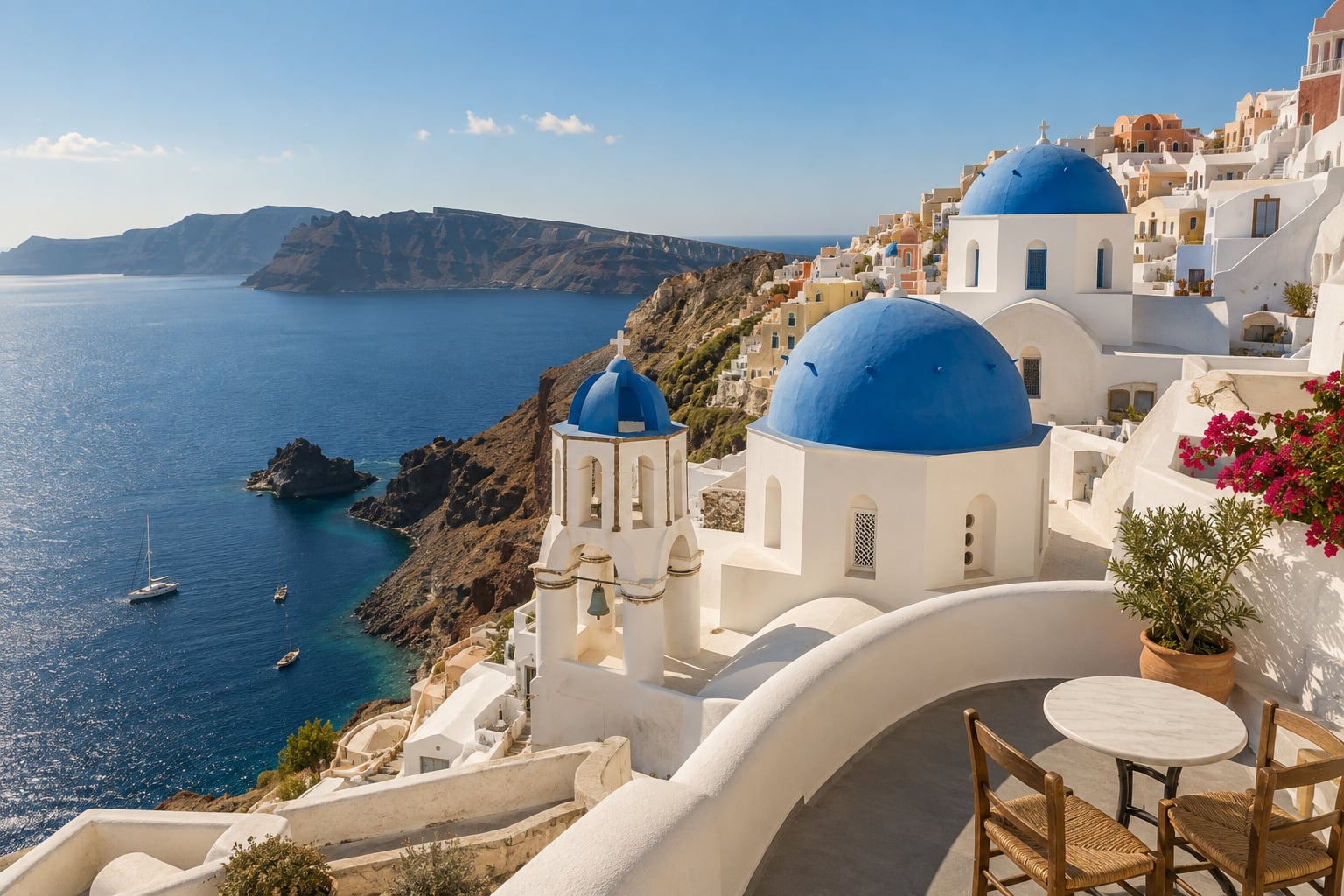
Choose Percentage when you want a smaller version without calculating dimensions. At 50%, this Santorini photo goes from 1536 × 1024 to 768 × 512 pixels. Both sides are halved, while the full scene and its proportions are preserved.

Percentage · Scale 50%

White buildings in Santorini overlooking the blue sea, original image
Original 1536 × 1024 px
White buildings in Santorini overlooking the blue sea, shown at 768 by 512 pixels with no cropping
50% of the original dimensions 768 × 512 px

Resize multiple images to a consistent width

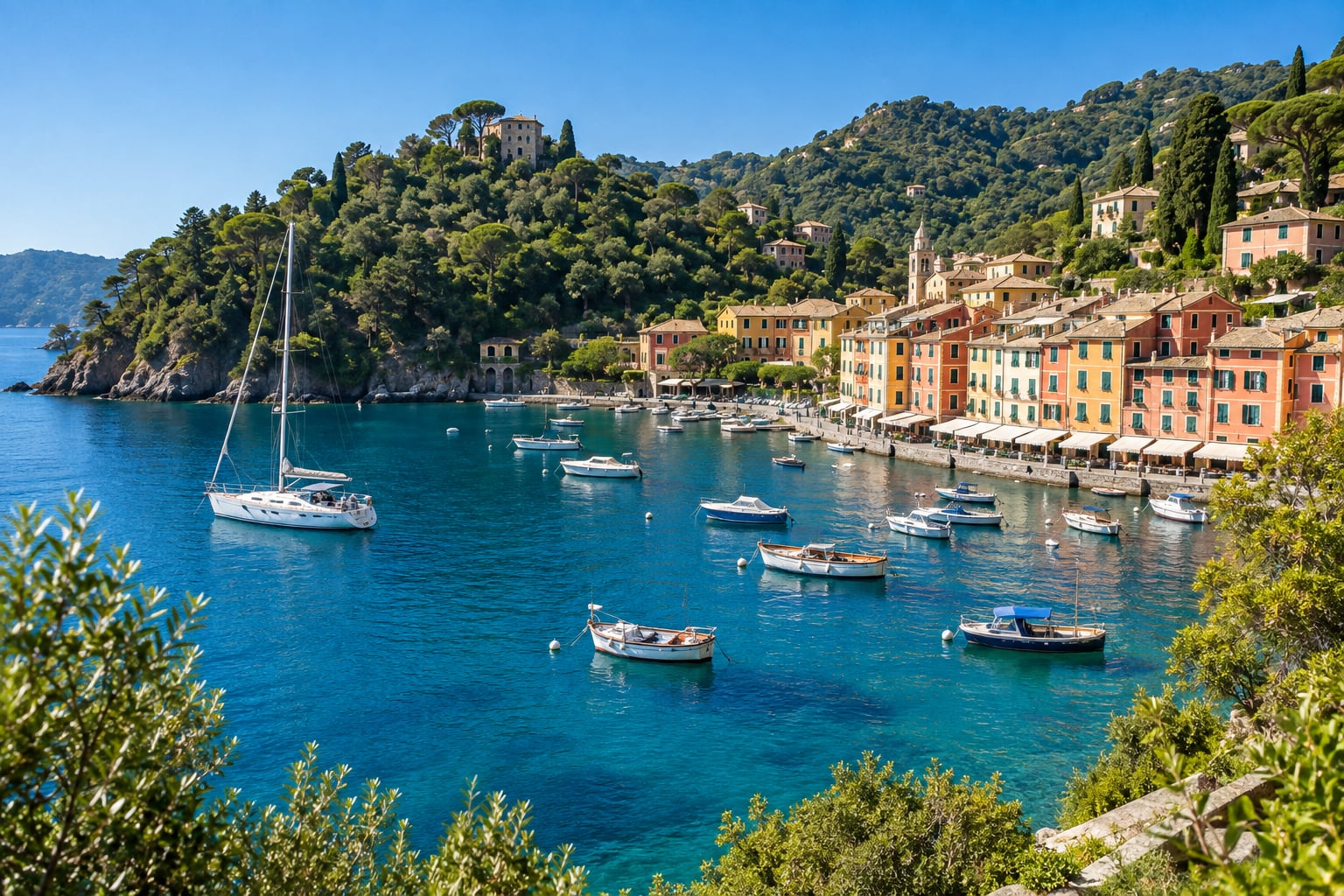
Prepare a set of travel photos for a gallery in one go. Add the coast, Santorini and harbor samples, then apply a target width of 600 pixels to all three. These samples share a 3:2 ratio, so each becomes 600 × 400 pixels and downloads together in a ZIP. With mixed proportions, each image gets its own height.

Batch settings · Apply target width to all · 600 px

Colorful Mediterranean harbor with boats on clear blue water, original image
Original 1536 × 1024 px
Colorful Mediterranean harbor with boats on clear blue water, shown at 600 by 400 pixels with no cropping
One result from the batch 600 × 400 px

Try these photos with Try sample images in the tool above. The examples illustrate pixel dimensions; a smaller width and height do not guarantee a particular file size in KB.

Resize photos for everyday tasks

One image or a whole batch

Resize multiple images to a consistent width for your website, shop or photo collection. Every image keeps its own aspect ratio. Download everything together as a ZIP.

Up to 30 images at a time

JPG, PNG and WebP. All welcome.

Resize JPG photos, PNG graphics and static WebP images in one place. Keep the original format or choose another. Transparency is supported with PNG and WebP output.

Pixels or percentage · Full image, no crop
px ≠ KB

Image dimensions vs. file size

Pixels describe the width and height of your image. KB and MB describe how much storage it uses. This image resizer changes dimensions; it does not target a specific file size such as 20 KB or 100 KB.

Resize by pixels

Frequently asked questions

A few useful things to know before you resize.