 Jev AI
Nano Banana 2.1
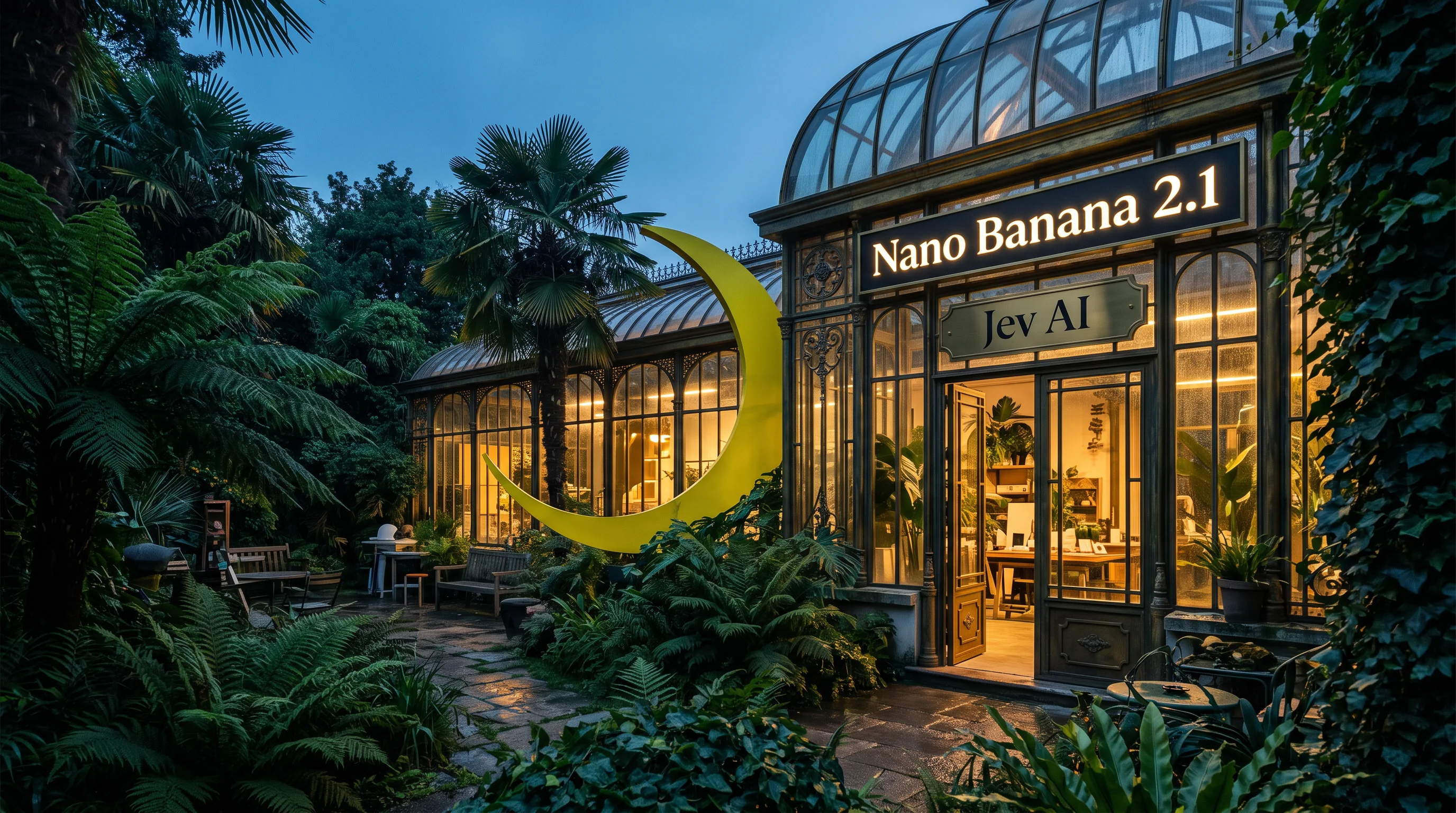
Nano Banana 2.1 on Jev AI
Nano Banana 2.1 for AI image generation and reference-guided edits
Turn a written idea into an image, or use up to 14 reference pictures to guide a new composition. Nano Banana 2.1 on Jev AI offers 1K, 2K and 4K output, a choice of portrait and panoramic ratios, and one downloadable PNG per request.
What is Nano Banana 2.1?
Nano Banana 2.1 is Google’s image generation and editing model. Google describes this update to Nano Banana 2 as improving visual quality, prompt adherence, text rendering and character consistency. On Jev AI, you can use it for text-to-image generation or reference-guided image editing.
Describe the subject, composition, lighting and finish you want. A short, specific brief is a useful starting point for a product scene, a poster concept or an illustration. Put exact wording in quotation marks when lettering matters, and explain its placement. Check the generated spelling and layout before using the result.
References help communicate appearance and creative direction. Upload the images that matter to your brief, then explain which picture supplies the subject, which supplies the setting and which supplies the style. Adding more images is useful only when their roles are clear. Review the result for identity, proportions and product details rather than assuming every reference detail will carry through.
Choose the output shape before generation. A square fits a product tile, 9:16 suits a vertical composition, and 16:9 suits a wide scene. The 1:4, 1:8, 4:1 and 8:1 options support unusually tall or wide layouts. With Auto, a reference image guides the output ratio. Choose an explicit ratio when your destination requires a known shape.
Start at 1K to assess a composition, then choose 2K or 4K when a larger output is useful. Each submission generates a new image and uses its own credit estimate. A higher resolution does not guarantee correct text or unchanged reference details, so inspect the image at its intended display size before downloading.
| Parameter | Specification |
|---|---|
| Prompt | Required, up to 5,000 Unicode characters |
| Reference images | Optional, up to 14 PNG, JPEG or WebP images, 10 MiB each and 140 MiB total |
| Aspect ratios | Auto, 1:1, 1:4, 1:8, 2:3, 3:2, 3:4, 4:1, 4:3, 4:5, 5:4, 8:1, 9:16, 16:9 and 21:9 |
| Defaults | Auto aspect ratio and 1K resolution |
| Resolution and credits | 1K: 5 credits, 2K: 8 credits, 4K: 15 credits |
| Output | One PNG image per request |
Explore images made with Nano Banana 2.1
These images were generated through Nano Banana 2.1 on Replicate using text prompts at 2K. They demonstrate specific creative briefs, not guaranteed results for every request.
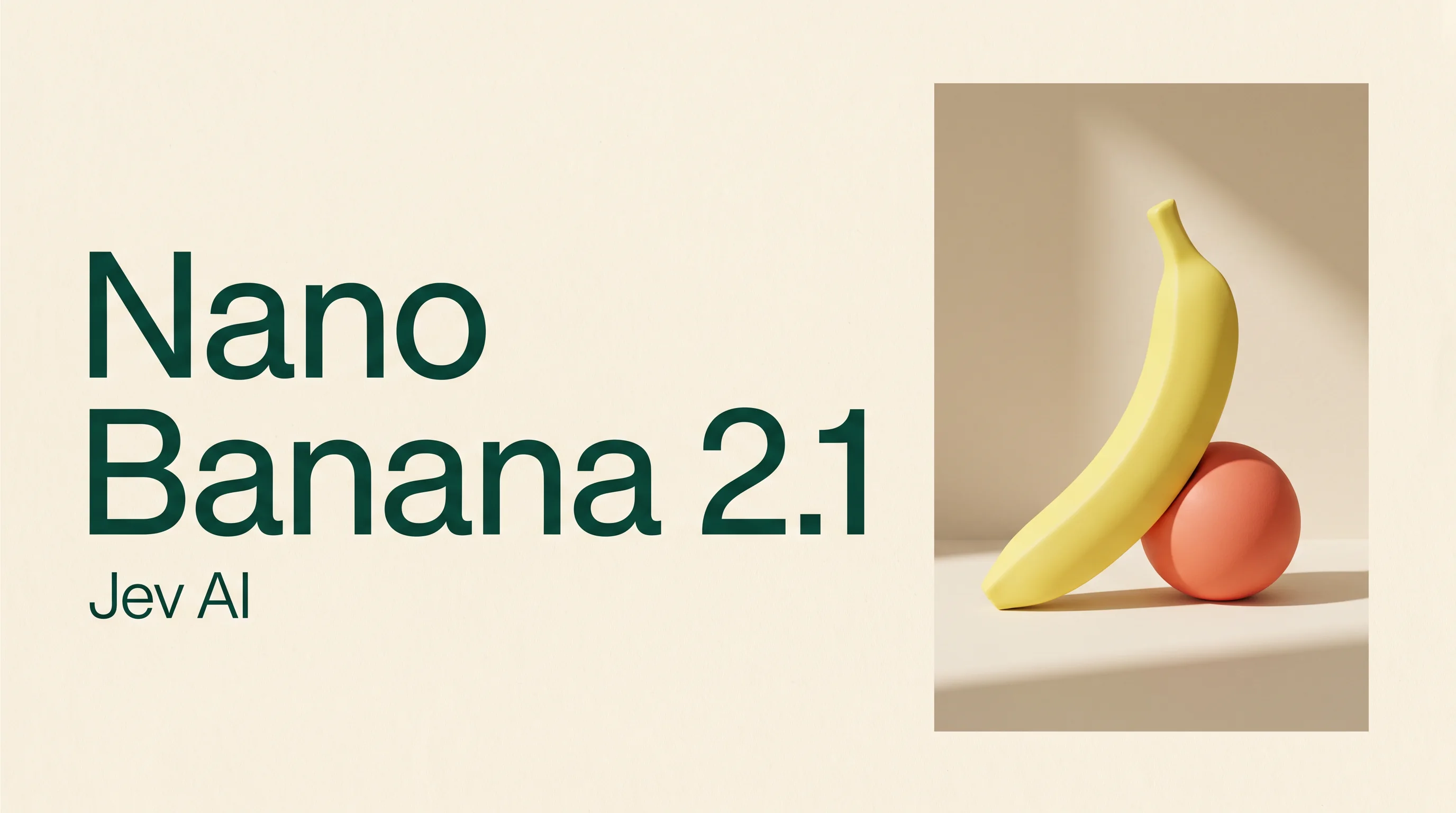
Combine readable lettering with a designed composition
This editorial campaign pairs the exact phrases “Nano Banana 2.1” and “Jev AI” with a sculptural yellow form, a coral sphere and an ivory background. The brief specifies both wording and placement so typography belongs to the composition. For your own poster, name the hierarchy, margins and palette alongside the text. Review every letter and the visual balance before using the finished image.
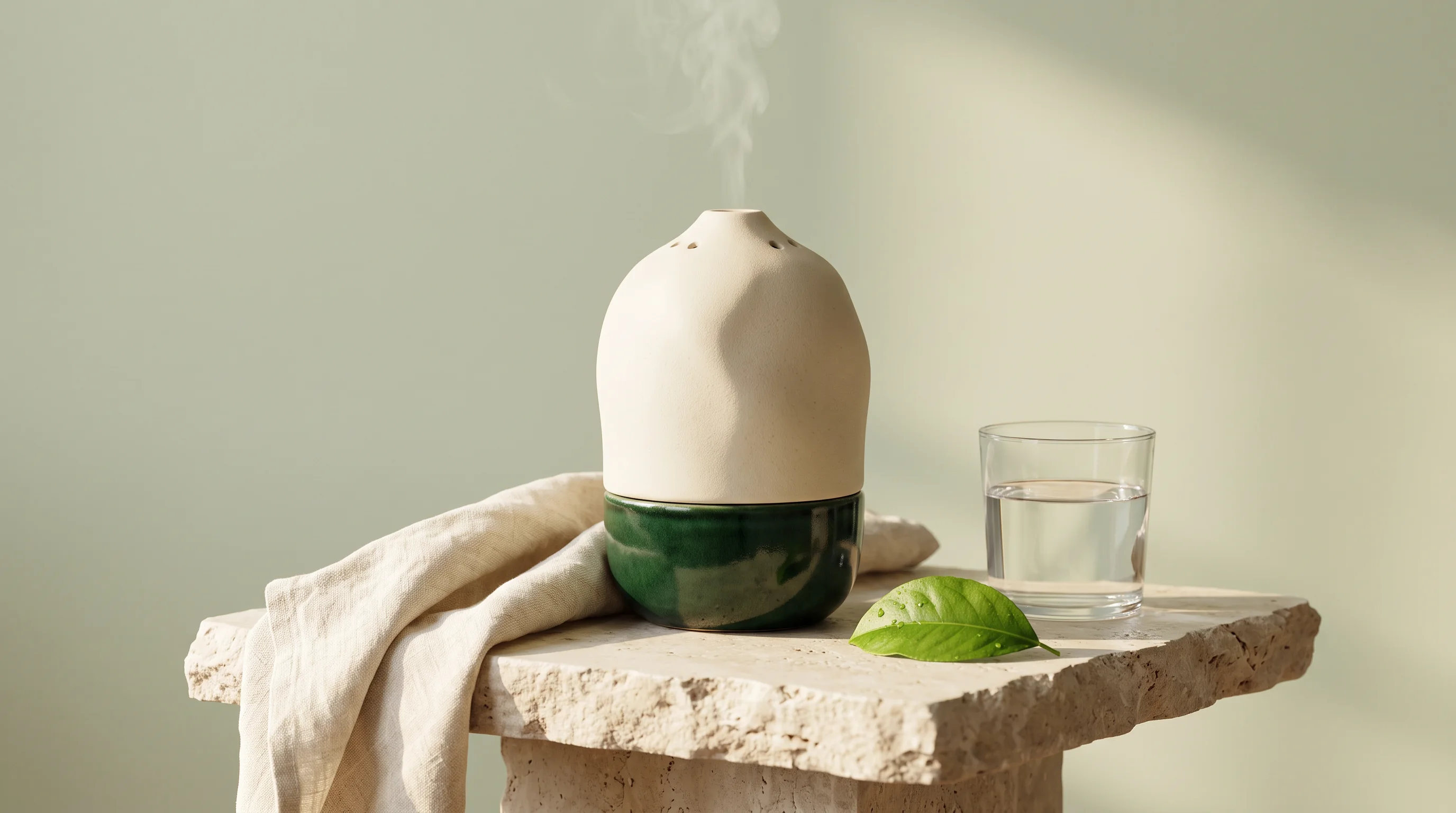
Explore product materials, lighting and styling
An ivory ceramic diffuser becomes the focal point of a quiet studio scene with pale stone, linen and a leaf. The prompt describes material, light direction and supporting objects to give the model a focused product-photography brief. Use this workflow to explore a presentation before a shoot. When a real product’s exact shape or markings matter, add clear references and compare the generated result against them. This particular example was generated from text alone.
Build a coherent illustrated world from a written scene
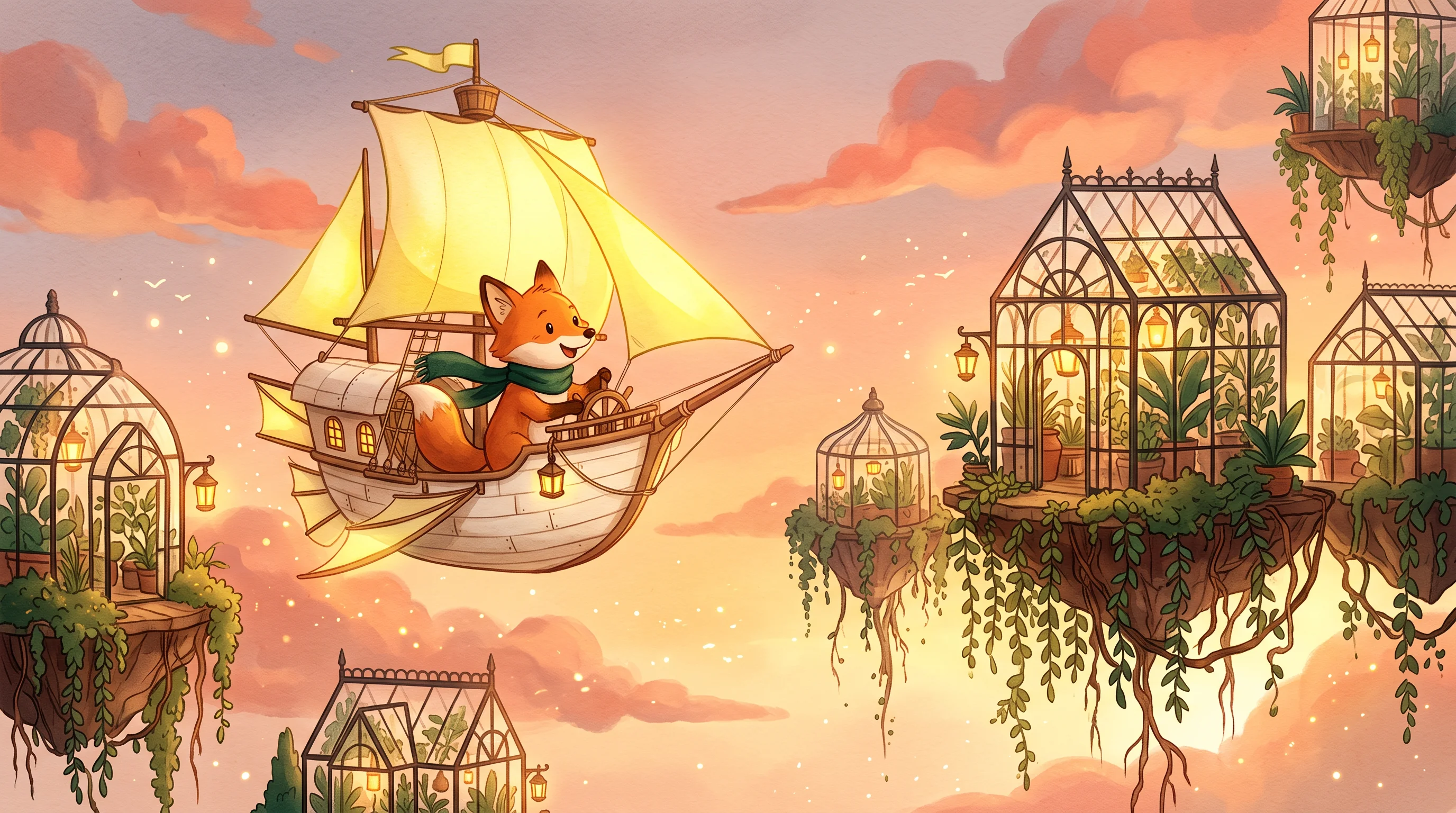
A fox in an emerald scarf travels by paper airship above floating botanical glasshouses. The written brief connects character, setting, color and lighting in one scene, while requesting tactile paper and watercolor textures. For an original illustration, describe the action and the relationships between objects rather than listing isolated details. Review silhouettes, depth and small structures in the result. If you develop a series, keep approved character references and state the details that should remain consistent.
How to use Nano Banana 2.1 on Jev AI
Prepare a focused brief, choose the output settings and review the finished image.
Write the visual brief
Describe what should appear, how the scene is arranged and which details matter most. For an edit, name the desired change and the elements to preserve. Keep the prompt within 5,000 characters.
Add useful references
Upload up to 14 supported images when visual guidance is needed, or leave references empty for text-to-image generation. Explain the role of each reference in your prompt. Each file can be up to 10 MiB.
Set the shape and resolution
Choose Auto or a listed ratio, then select 1K, 2K or 4K. Sign in and check the credit estimate before generating. One image costs 5, 8 or 15 credits respectively.
Review and download
Open the result in this model’s history. Inspect text, faces, hands, product markings and composition. Download the PNG you want to keep. Refine your brief or references before making another request.
Nano Banana 2.1 questions and answers
Practical details about the available inputs, output sizes and credit costs.