 Jev AI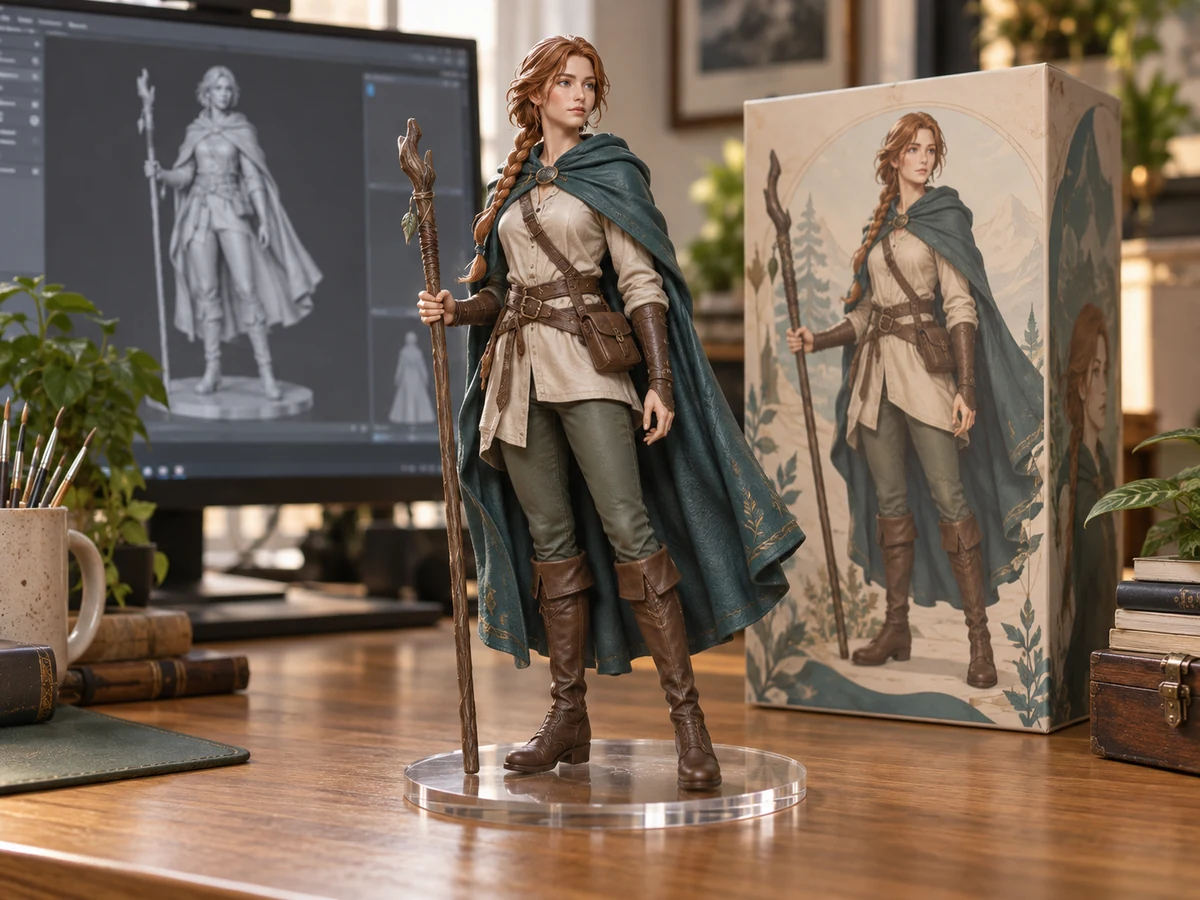
AI Effect ideas for images, characters, and video
Give a familiar subject a fresh visual direction with an AI Effect on Jev AI. Turn a character reference into a collectible figurine concept, or build a short scene around a soft 3D animation style. Browse image and video effects together, open the workspace that fits your idea, and start with the inputs it requests. Available free credits offer a way to try a generation; check your balance and the displayed estimate before creating.
Choose an AI Effect around the story you want to tell
A recognizable subject and one clear visual intention are a useful starting point. An AI Effect supplies a defined creative direction while your source material gives the result its character.
Think of an AI Effect as a workspace built around a particular look. Instead of assembling a complete style recipe yourself, you choose the transformation and provide the material it needs. A figurine workflow starts from an image; a 3D video workflow can begin with a written scene. These starting points serve different purposes, so decide whether you need a still picture to study or a moving moment to share before choosing a card.
Use Image to explore an AI Effect for a still composition, Video for a moving scene, or All to compare both formats. The directory brings these choices together without requiring you to choose a model first. Inside an effect, the available controls reflect its setup. You might see an aspect ratio alone or additional choices for video resolution and duration. This keeps the decisions close to the result you want to make.
An AI Effect is useful for exploring an idea before committing to a finished creative direction. You could test how an original character reads as a physical collectible, plan the mood of an animated scene, or develop a visual starting point for a personal project. Treat each result as something to inspect and refine: a compelling style still needs a clear subject, thoughtful framing, and details that hold up when viewed closely.
Explore an AI Effect through two visual directions
These illustrations introduce the creative intent behind two available workflows. They are concept images, not recorded outputs or promises of a particular result.
An AI Effect for collectible character concepts
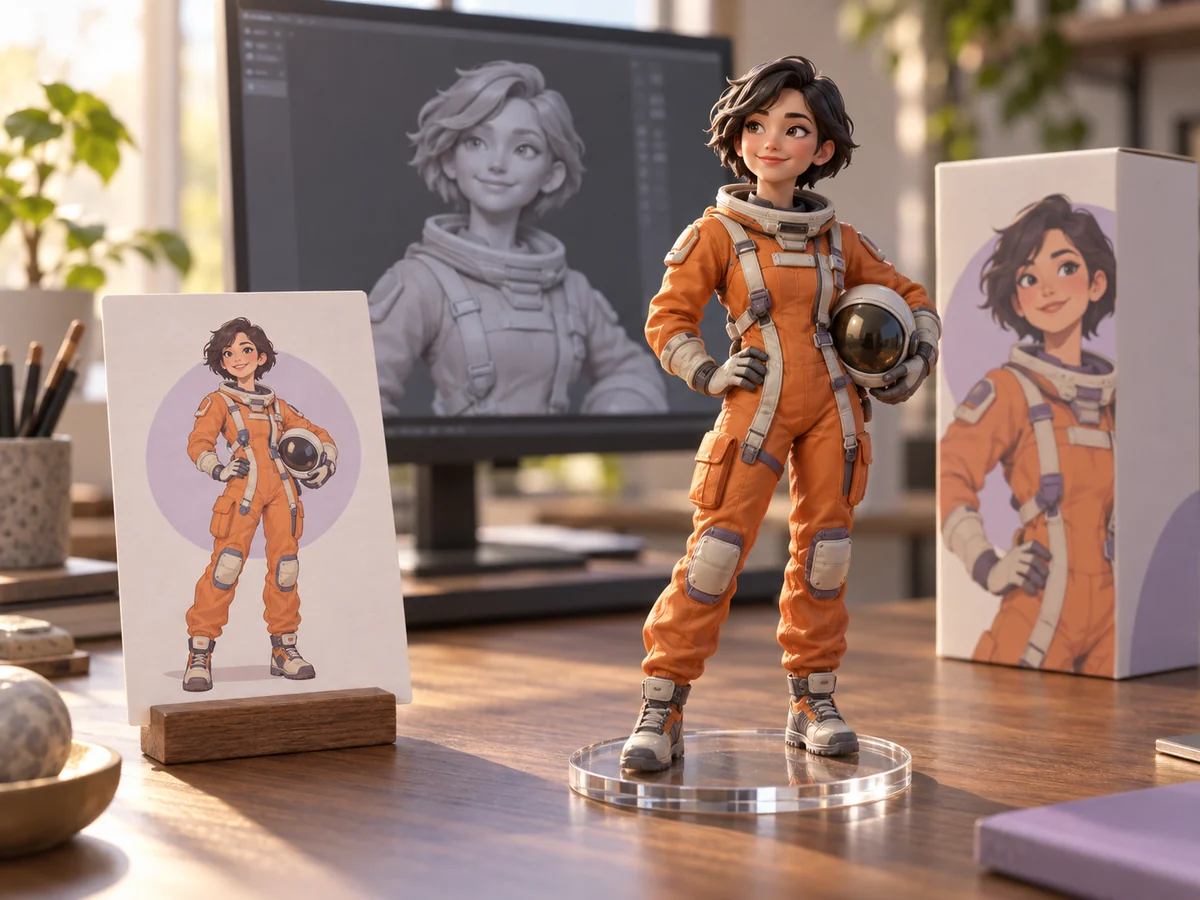
The AI Action Figure Generator gives a character reference a collectible figurine direction. Its predefined scene asks for a realistic figure on a computer desk, a transparent round base, and packaging that echoes the character artwork. Start with one clear image that shows the features you care about: hairstyle, clothing, proportions, and recognizable accessories. This AI Effect requires a reference image and has no prompt field, so the source picture carries your creative choices. Choose an aspect ratio that leaves enough room for the figure and its setting; the default is square. A full character view can communicate a different brief from a tightly cropped portrait. Review the generated face, hands, base, and surrounding objects before choosing a version. The concept below illustrates how a flat character design might inform a three-dimensional collectible scene.
An AI Effect for a short 3D animated scene
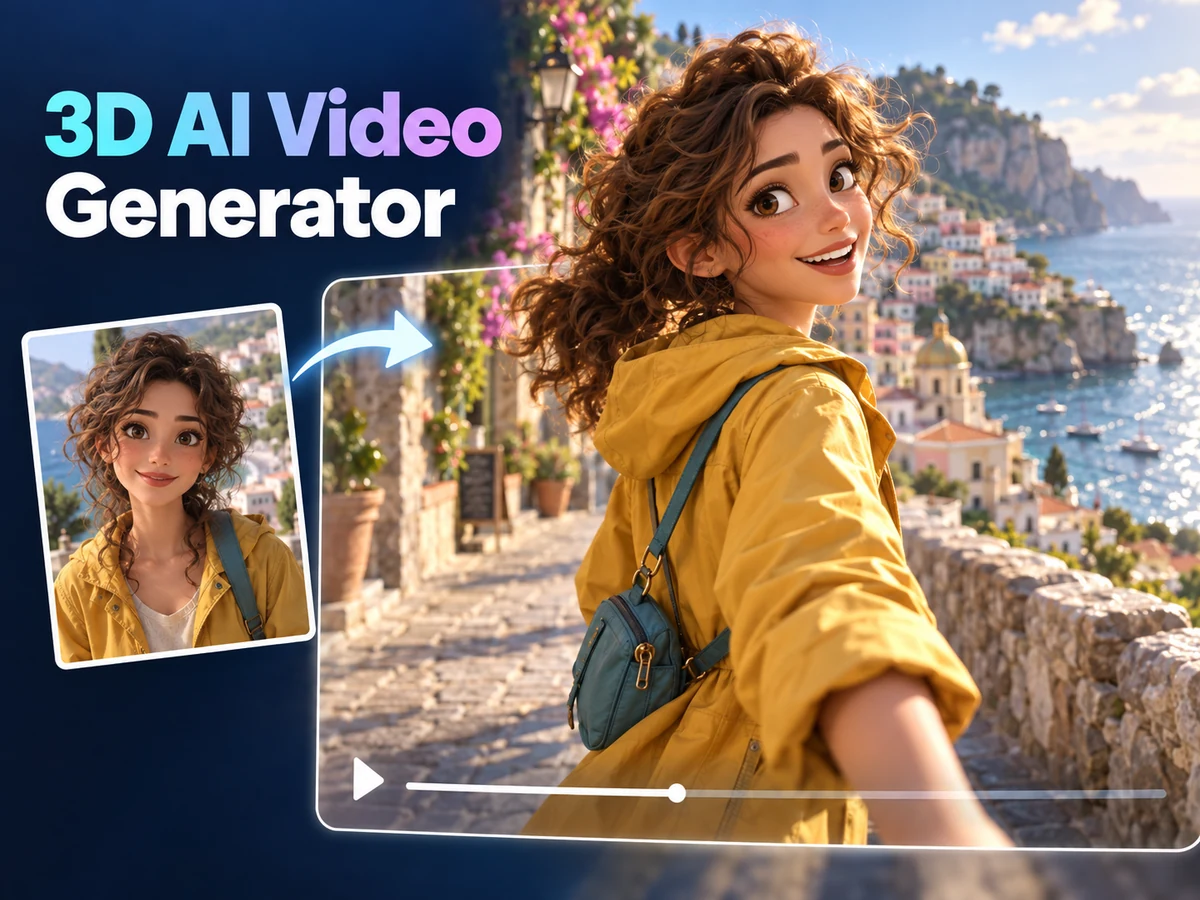
The 3D AI Video Generator combines a predefined animation direction with your description of a scene. Use the prompt to establish a subject, a setting, and one main action. For example, an original delivery robot could pause beside a harbor and turn toward a departing boat. The AI Effect adds its style instructions while you decide what happens. An optional reference can communicate the scene visually when you have one. Explore the resolution, duration, and framing choices available in the workspace, then keep the action practical for the selected clip length. A short scene usually benefits from one readable movement rather than several unrelated events. Watch the full result to judge character consistency, camera motion, and the ending. This harbor illustration is a mood concept for planning, not a frame from a generated video.

How to create with an AI Effect
Move from a specific idea to a result you can evaluate. A little preparation helps make each generation a more useful creative experiment.
Match an AI Effect to your intended output
Choose the Image or Video tab, open a card, and read its input requirements. Decide where the finished work will be used: a square character study, a wider scene, or a short vertical clip. Check any available example to understand the intended transformation. An example explains a direction; it does not guarantee identical composition, detail, or motion for a different subject. Browse another option through the effect selector if the current style does not suit your idea.
Prepare the source and check available settings
For an image-based AI Effect, use a sharp reference with an uncluttered subject and follow the upload limits shown in its workspace. For a prompt-based scene, describe the subject and action in direct language. Complete only the fields presented by that effect. Check framing and any other exposed controls, then review the credit estimate. Sign in to upload your material and submit the request; available free credits count toward your account balance under the applicable account rules.
Review your AI Effect result before reusing it
Follow the request in the selected effect's history. Inspect an image at a useful size, or play a video from beginning to end. Compare the result with your original intention: is the subject recognizable, is the composition readable, and does the motion make sense? Download a result you want to keep. If another attempt would help, change one source detail or setting at a time so you can understand what improved.
Make an AI Effect useful for your own creative work
The strongest starting point is a small, specific creative question. Use the result to answer that question before expanding the project.
For character development, an AI Effect can help you explore how an original design reads in another visual form. A collectible concept makes proportions, costume shapes, and accessory placement especially noticeable. Choose a reference that communicates those details, then compare the result with the features you intended to preserve. You can use that comparison to decide whether your next source image needs a clearer silhouette, a simpler pose, or a different crop.
For a short visual story, use an AI Effect to explore mood and movement together. Start with a single scene that has an obvious focal point. A character noticing something, a gentle camera reveal, or a quiet environmental action can communicate more clearly than a crowded sequence. When writing a video prompt, separate the subject's action from the camera movement so the intended relationship is easier to understand. Review the whole clip, including transitions between poses.
For a social post or presentation, choose the destination format before generating. Leave useful space around the subject if you plan to add a title in an editor afterward. Avoid relying on tiny generated lettering for essential information. Keep each AI Effect experiment focused, and return to its dedicated history on Jev AI to revisit available results. Download work you want to retain for your project rather than treating the history list as permanent storage.
Questions about AI Effect creation
Understand the inputs, credits, and review process before starting your next creative request.